Is Duda the right platform for your business website?
Compare Duda’s editing approach with a managed static website. Check content access, features and migration requirements before choosing a platform.
 Robert TicknerWeb designer, Melbourne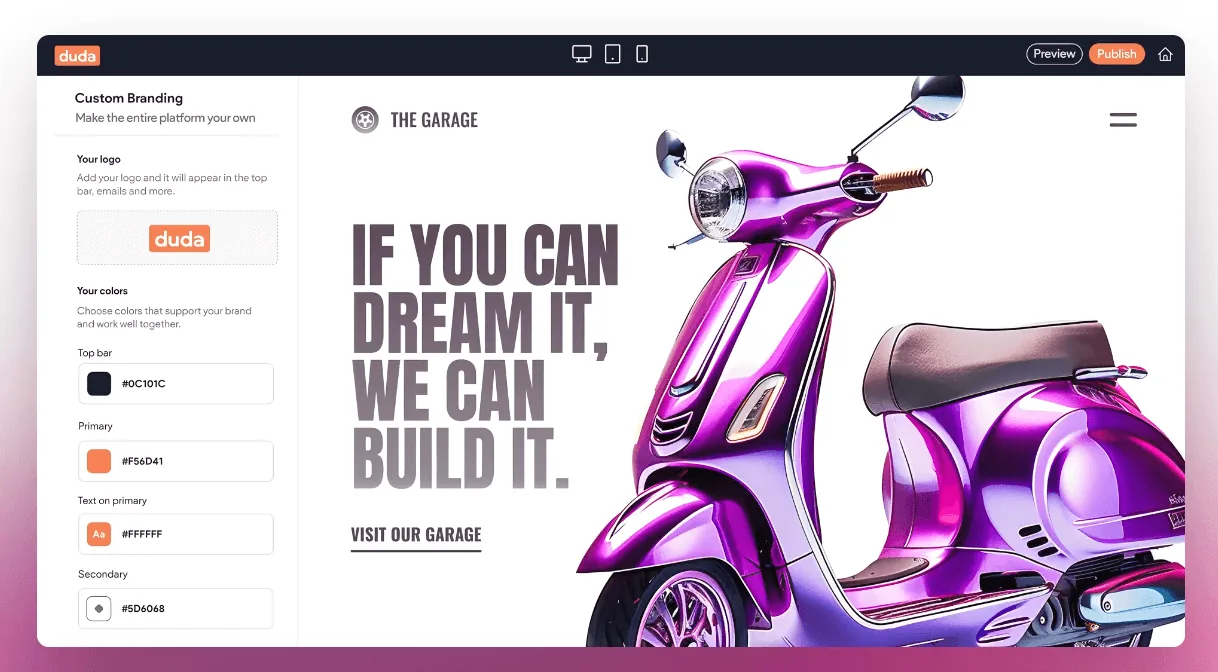
On this page
The right platform depends partly on what happens after launch. Who changes your services? Who adds new pages? Who checks that an enquiry still reaches the business?
Duda can suit a business that wants a visual editing environment. A managed static website can suit a business that prefers sending changes to its designer. Neither choice removes the need for a clear brief, accurate content and working customer tasks.
Start with your editing routine
List the changes you expect to make. Prices may change every month; a restaurant menu may change more often; a small trade website may need only occasional updates. Decide who has the time and confidence to manage them.
Duda’s official feature list includes a drag-and-drop editor and device-specific design controls. Its blog features include a shared layout and scheduling tools. Those capabilities can support an editing workflow, but you still need to understand the access your designer provides.
Ask for a demonstration of your real tasks. The questions for a web designer include editing, training and ownership checks that apply regardless of platform.
Separate a platform feature from the agreed build
A platform may offer bookings, stores or widgets. That does not mean every feature is included in your website quote, available in every plan or configured for your business.
Describe the workflow you need and confirm its cost. The integration brief is useful here. If a customer needs to book a particular staff member, for example, check that requirement before approving a generic “booking system”.
Compare the complete project price through the website cost guide. Our Starter AI, Core and Local Essentials fees are studio package prices, not Duda’s direct subscription prices.
Compare an editor with managed changes
An editor lets an authorised person make supported changes inside the platform. A managed static site usually has no equivalent client editing screen; the designer changes the files or agreed content process.
Our AI-powered web design service offers a simple managed approach. Starter AI does not include a CMS login. Core includes an editor. Confirm the actual platform, permissions and ongoing arrangements in the project scope rather than inferring them from the design style.
The website maintenance guide helps decide who checks content, enquiries and hosting. These responsibilities exist with both approaches, although the tools used to carry them out differ.
Plan a move before cancelling the old site
If you move an existing Duda site to another platform, treat it as a migration project. Inventory the pages, images, metadata, forms and URLs. Keep useful paths and map the pages that need redirects.
Do not assume a downloaded file recreates every platform feature on another host. Check forms, blogs, stores and any other connected functions individually. The redesign and migration plan covers that sequence without tying it to one builder.
Before the switch, use the launch checklist on the deployed replacement. Confirm enquiry delivery, not just the appearance of the form. Keep the old site available until the replacement has been reviewed.
Choose a workflow you can maintain
If frequent self-editing is important, assess the editor and permissions first. If your website is straightforward and you prefer a designer to manage it, a static approach may fit.
For a new project, our small business website options start with that working arrangement. Bring your current URL, expected updates and required features to the first conversation. We can then choose the approach that supports the business after launch.
Robert Tickner
Founder and web designer, Web Design Studio Melbourne
Robert works directly with small businesses on website design, content structure and local SEO. His approach starts with the business offer and the customer’s next step.
First published .
Prepared with AI assistance. Examples labelled illustrative are not client results.