Write a website integration brief before choosing tools
Describe bookings, payments and other website connections through customer steps, account ownership, data needs and test cases before choosing a tool.
 Robert TicknerWeb designer, Melbourne
On this page
“We need online bookings” sounds like a complete feature request. It still leaves questions about service choices, staff calendars, payment, confirmation and the information the business receives.
Write the workflow before choosing the tool. That gives the designer something specific to assess and helps prevent a simple-looking button from becoming a much larger project near launch.
Describe the customer’s steps
Choose one task and write it as a sequence in ordinary language. For an illustrative salon, the customer selects a service and staff member, chooses a time, enters contact details and receives a confirmation.
Then identify the exceptions. Can the customer cancel? Can they book more than one service? Does the business approve the booking before confirmation? Which steps require payment?
The website feature guide helps decide whether the integration belongs in the first launch. The service enquiry-page guide may offer a simpler first step when the business still needs to assess each request manually.
Record what the business needs to receive
List the information, notification and account access needed after the customer completes the task. A booking that appears on the website is only useful if the business can manage it reliably.
Identify who checks the account and handles problems. If staff need to move information between systems, include that work in the comparison instead of assuming the connection removes it.
For a payment workflow, discuss what happens after success, failure and cancellation. A finished page should not leave the customer guessing whether a transaction or request was completed.
Confirm ownership and ongoing fees
Record the tool account owner, website access requirements and recurring costs. Ask who controls the account if you change designers or website platforms.
The website cost guide includes separately quoted features and third-party fees. The questions for a web designer help clarify what the website quote includes and what you need to arrange yourself.
If a tool is already used in the business, investigate that workflow first. A replacement may create more work than a suitable connection to the existing system.
Check platform fit before approving the feature
Tell the designer which tool you use and what it needs to do. Ask them to confirm compatibility, implementation approach and any limits. An available embed is not automatically a complete integration.
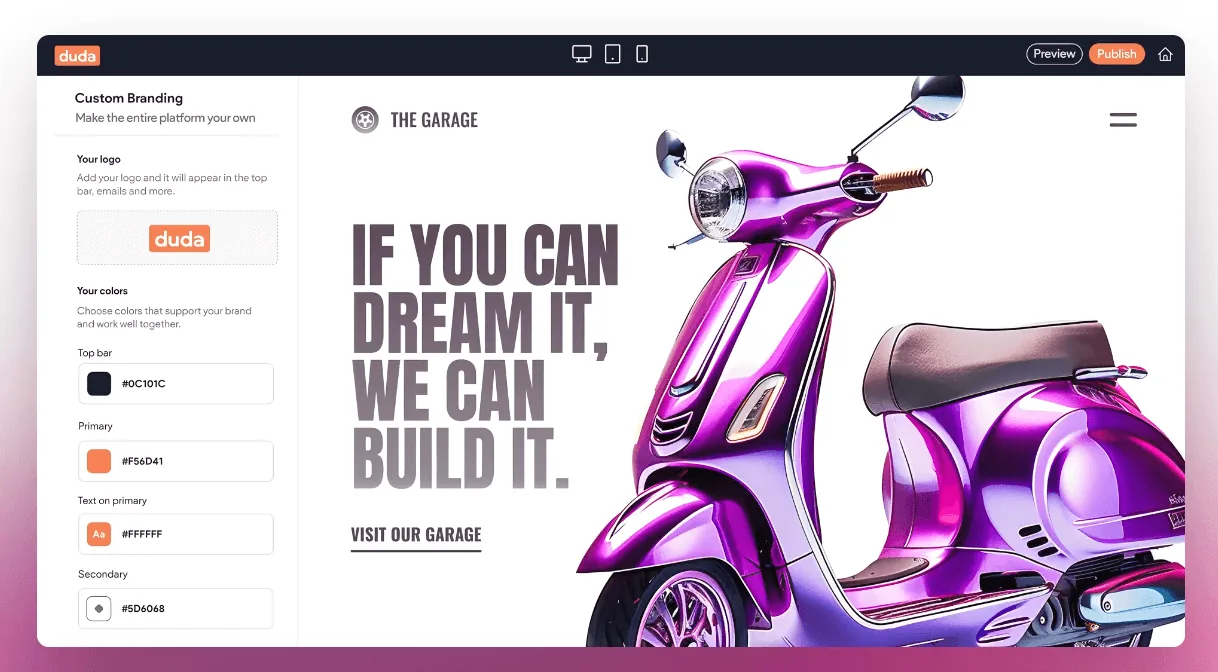
The Duda platform guide explains why platform features and project scope are separate questions. For more detailed requirements, our custom website design service can assess the work before a final quote.
Starter AI is intended for a straightforward business website and does not include custom dashboards or login systems. The AI-powered website page explains that scope so a larger system is not hidden inside a basic plan.
Agree on test cases
On a small screen, scroll the table to view every column.
| Test | What to confirm |
|---|---|
| Normal completion | Customer reaches a clear success state |
| Missing or invalid input | The page explains what needs fixing |
| Unavailable option | Customer sees an accurate alternative or message |
| Notification | Correct business contact receives useful details |
| Phone use | The whole task remains usable on a small screen |
| Account management | The owner can find and handle the request |
Test on the deployed setup with an agreed process. Where a real payment or external message is involved, arrange the test method with the business and tool provider first. Do not assume a preview proves the final connection works.
The launch checklist covers the wider website checks. The maintenance guide assigns the ongoing review when a tool, account or service changes.
Keep the brief focused
Use the customer task, business response, account owner, costs and tests as the scope. Keep uncertain future ideas in a separate list.
If you are planning a wider site change, add the integration work to the redesign plan. That makes the feature part of an organised build rather than a last-minute button request.
Robert Tickner
Founder and web designer, Web Design Studio Melbourne
Robert works directly with small businesses on website design, content structure and local SEO. His approach starts with the business offer and the customer’s next step.
First published .
Prepared with AI assistance. Examples labelled illustrative are not client results.