Build a service page that makes enquiries easier
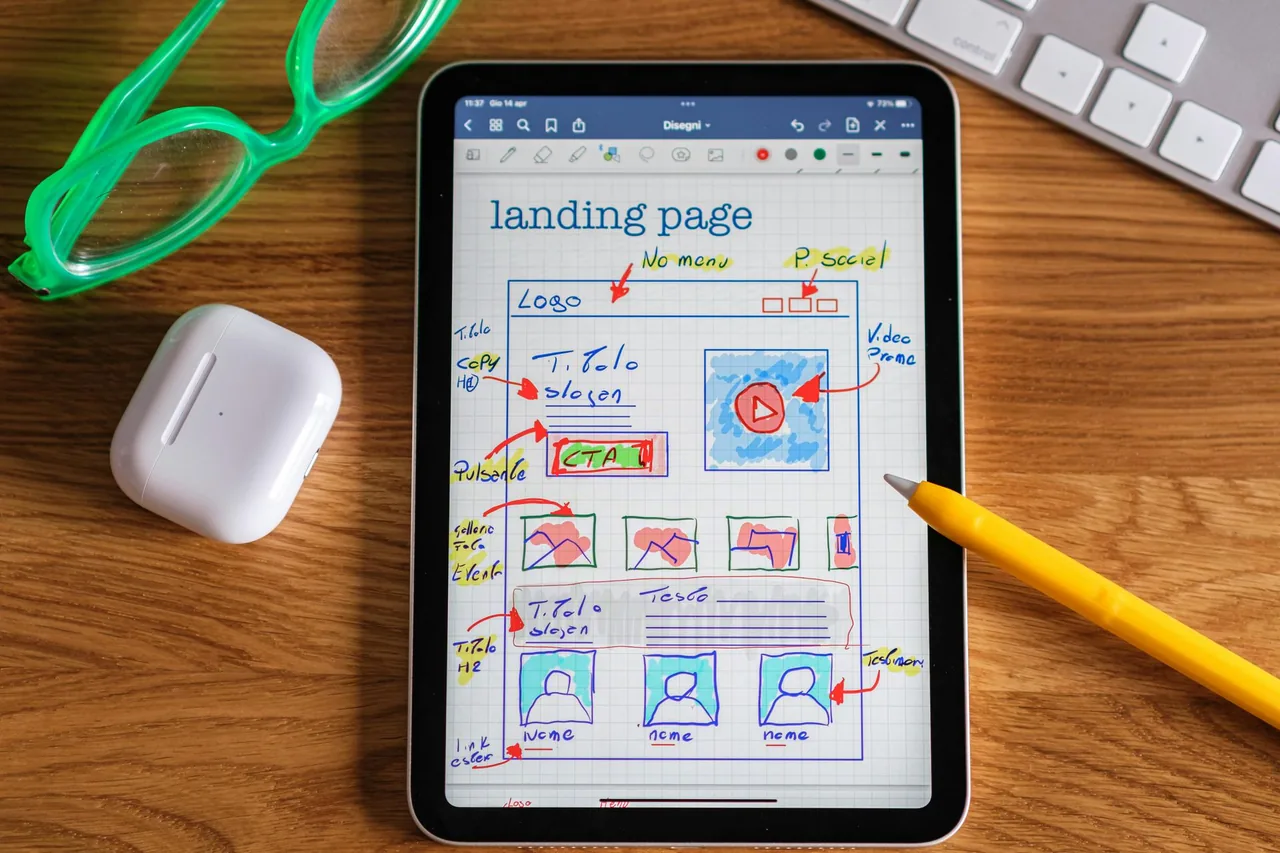
Plan a service enquiry page around one offer, relevant proof and a useful form. Includes a page brief and checks for the first customer response.
 Robert TicknerWeb designer, Melbourne
On this page
Someone opens your service page and wants a quote. They should not need to work out what you offer, search three other pages for proof and guess what to put in the form.
A useful enquiry page gives them a clear sequence. Explain the service, answer the questions that affect the decision, show relevant evidence and ask for the information you need to respond. This guide focuses on a continuing service page, rather than a short-term local campaign.
Choose one main enquiry
Write the page’s job in one sentence: “Help a customer request an assessment for [service].” If the page tries to sell several unrelated offers, decide whether those offers need separate pages.
Use the Home page guide for the wider introduction to the business. The service page can then go deeper without repeating the full Home page message. The local landing-page guide covers campaign-specific offers and traffic sources separately.
For a practical guide to the pricing block, see where to put prices on your business website. Keep the amount or quote explanation beside its inclusions and enquiry step, then check that your pricing and booking pages agree.
Answer the questions before the form
Explain what the service includes, who it suits, where you provide it and how the next step works. Mention important limits where they help someone decide whether to enquire.
For an illustrative pool repair service, customers may need to know the types of pools you work on and whether the first step is a phone discussion or an inspection. “We provide quality solutions” does not answer those questions.
The website copy guide gives you a worksheet for gathering that detail. Place information close to the point where it becomes useful instead of hiding every answer in a large FAQ at the bottom.
Match proof to the service
Use a relevant project photo, an accurate review or a clear explanation of your process. A testimonial about a different service can still introduce the business, but it should not be presented as evidence for work it never mentions.
The professional web presence checks help assess whether the proof is specific and credible. The persuasive design guide explains how to make it easy to read without using pressure or distracting effects.
Keep the first form useful
Ask what the first response needs. Name, a reply method, service type and a short message are common starting points. Add location details when they help assess coverage. Save complex technical questions for a later conversation if customers need help answering them.
Check labels, required fields, error messages and the confirmation page. A field should explain what belongs in it. A button such as “Request an assessment” tells the customer more than “Submit”.
On a small screen, scroll the table to view every column.
| Page decision | Write it down before building |
|---|---|
| Main offer | The specific service and intended customer |
| Next step | Call, quote request, assessment or booking |
| Required information | What the business needs for the first response |
| Relevant proof | Approved project, review or process detail |
| Delivery owner | Who receives and handles the enquiry |
Test the whole response path
Use the page on a phone. Can you read the service and reach the form without confusing navigation? The mobile checks cover touch controls, layout and reading tasks.
On the deployed site, send an agreed test message and confirm its delivery. Check that the notification includes the reply details and message. Then ask the business how the first response will be handled.
The website audit guide can record problems in this path. If enquiries arrive but rarely suit the business, improve scope and coverage information before adding more traffic.
Measure useful enquiries
Count the enquiries that fit the service, not just every form submission. Record the next stage, such as an assessment or quote, so you can see where the process needs work.
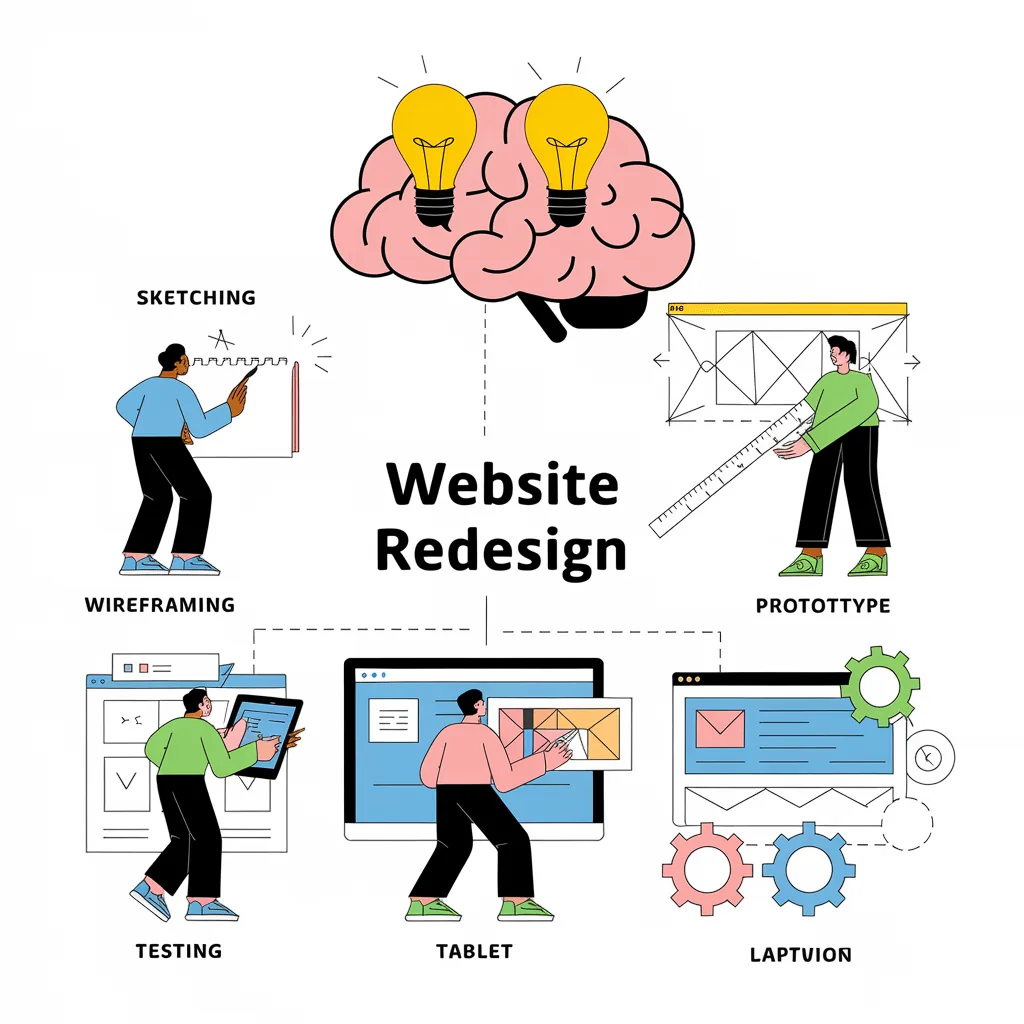
The website ROI worksheet explains why an enquiry is not yet a sale. If the page depends on wider navigation or content changes, use the website redesign process to scope that work before building. Our small business website service can help build the page around this practical response process rather than a generic lead-generation promise.
Robert Tickner
Founder and web designer, Web Design Studio Melbourne
Robert works directly with small businesses on website design, content structure and local SEO. His approach starts with the business offer and the customer’s next step.
First published .
Prepared with AI assistance. Examples labelled illustrative are not client results.