Who looks after your website after launch?
Split website care into hosting, business content, connected tools and enquiry checks. Assign owners and use a manageable review routine.
 Robert TicknerWeb designer, Melbourne
On this page
Your website is live. The hosting bill is paid. That still leaves one question: who notices when the phone number changes or the contact form stops sending useful information?
Website care is easier to manage when you split it into clear responsibilities. Hosting and platform tasks belong in one group. Business content, connected tools and customer checks belong in others. The exact work depends on the platform and plan.
Confirm what the hosting arrangement covers
Ask which security, backup and platform tasks your provider handles. A hosted builder, a static site and a self-managed CMS have different arrangements. Do not borrow a checklist from one and assume it fits another.
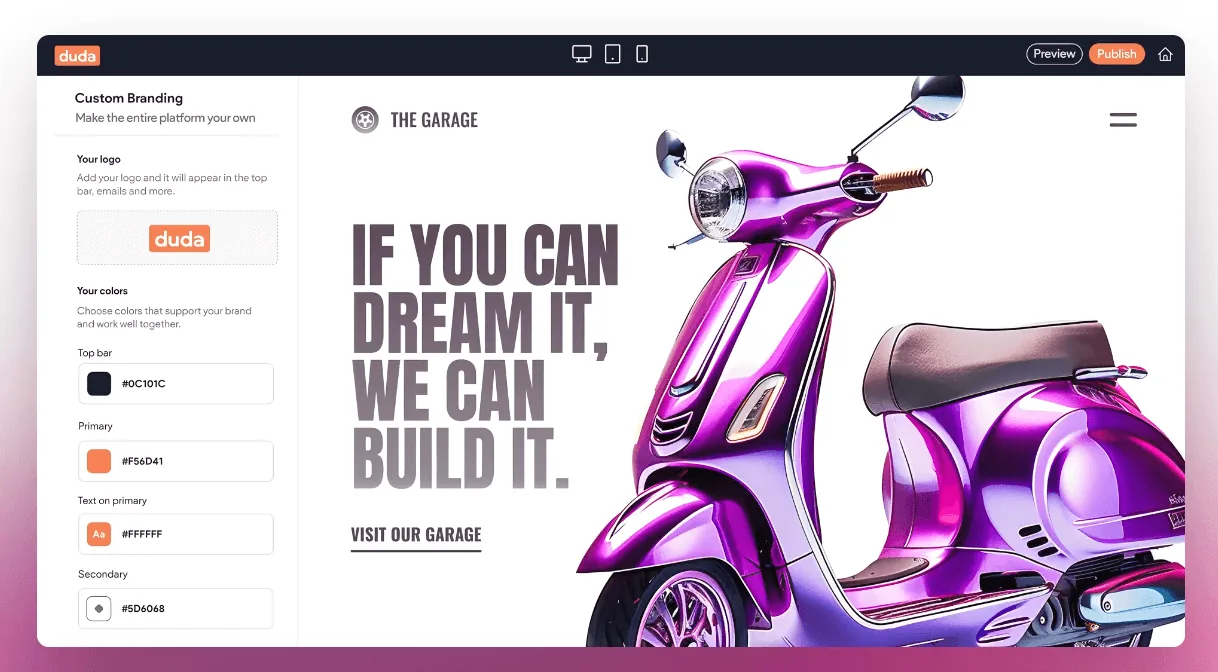
Our website plan comparison lists the features included in each studio plan. The Duda platform guide explains why an editor and a hosting arrangement are separate choices. Keep your actual scope document as the source of truth for the work included.
SSL protects the connection to a website. It does not check that a price is current or that a claim is accurate. Those are business-content tasks.
Give business information an owner
Assign someone to review services, contact details, hours, staff information and current photos. Make changes when the business changes, rather than waiting for a large annual refresh.
Choose a routine that fits the site. A changing menu needs more frequent checks than a stable trade service description. Add reminders for known events such as a price change, a new location or holiday hours.
The branding consistency checklist helps check details across pages. If your services have changed substantially, review the feature and page priorities instead of simply adding another paragraph to Home.
Test the enquiry path, not just the form’s appearance
Open the website on a phone. Find the service, tap the call link and check the contact form. When testing a deployed form, use an agreed test message and confirm delivery to the right inbox or dashboard.
Check the confirmation page and the information in the notification. A form that submits successfully but omits the customer’s message still creates a problem.
The launch checklist provides the first full set of checks. Keep the relevant enquiry checks for your later reviews rather than assuming launch testing covers the site forever.
Watch the connected tools
Keep a list of booking services, payment tools, email systems and other connections. Record the account owner, renewal details and where the tool is used on the website.
When one changes, test the customer workflow again. The integration brief explains what to record. Avoid keeping unused embeds and scripts simply because they were once part of the site.
If you add a new feature, confirm its ongoing care as well as its setup fee. The website budgeting guide includes these extra costs in a complete project comparison.
Use a small review record
Keep the date, page or tool checked, issue found, owner and completion date. That is enough to tell you whether problems are being resolved without building a complicated reporting system.
On a small screen, scroll the table to view every column.
| Review | Example task | Likely owner |
|---|---|---|
| Business change | Update a phone number or service | Business owner or content editor |
| Routine enquiry check | Confirm a test reaches the business | Agreed business contact |
| Tool change | Retest booking or payment steps | Account owner and designer |
| Wider website review | Check content, links and search access | Business and website support |
For a broader problem, use the website audit guide to record evidence and set priorities. If you prefer to send changes through, discuss a managed arrangement through our small business website service. Make the ownership clear before an urgent update is needed.
Robert Tickner
Founder and web designer, Web Design Studio Melbourne
Robert works directly with small businesses on website design, content structure and local SEO. His approach starts with the business offer and the customer’s next step.
First published .
Prepared with AI assistance. Examples labelled illustrative are not client results.