Website costs in Melbourne: build fees and monthly plans
Understand website build fees, monthly plans and extra costs. Use a simple first-year budget before comparing Melbourne web design quotes.
 Robert TicknerWeb designer, Melbourne
On this page
The monthly price rarely tells you the whole cost of a website. You also need to know what the build includes, who supplies the content and what happens when you need changes.
At Web Design Studio Melbourne, once-off design and build fees range from FREE to $549. Starter AI is $199, Core is $549, and Local Essentials includes a FREE website build or website refresh. Each option has a monthly plan. Here is how to compare the full cost and choose the work your website needs.
Start with the job the website needs to do
A five-page site for a local electrician is a different project from a shop with products, payments and delivery rules. Before asking for a price, list your services, the pages that explain them and the action you want customers to take.
Write down essential features separately. “A quote form that asks for the suburb and job type” gives a designer something useful to assess. “A modern website with everything” does not. Our small business website service explains the scope choices, while the website feature checklist helps separate essentials from extras.
Content also affects the work. Existing service descriptions and usable photos can provide a starting point. Missing copy, a new logo or a large amount of product information needs its own allowance. Confirm who is supplying each item rather than assuming it appears in the build fee.
Compare the three monthly plans
These are the current website plans offered by this studio. Starter AI and Core have a once-off design and build fee. Local Essentials includes the build or refresh at no extra charge. These are our prices, not a claim about average Melbourne market prices.
On a small screen, scroll the table to view every column.
| Plan | Once-off design and build | Monthly fee | Typical build time | Editing arrangement |
|---|---|---|---|---|
| Starter AI | $199 | $39 | 24–48 hours | No CMS login |
| Core | $549 | $59 | About a week | You can edit agreed content |
| Local Essentials | FREE build or refresh | $249 | 24–48 hours | Priority updates managed for you |
Typical timelines start once your brief and content are ready. The AI plans suit a straightforward managed website; Core suits a custom build with an editor. We confirm any additional feature requirements and the schedule before starting.
An editor matters if you change content often and want to do it yourself. A managed plan makes sense if you prefer sending changes through. Read the full plan inclusions before deciding; a cheaper monthly fee may cover a different set of tasks.
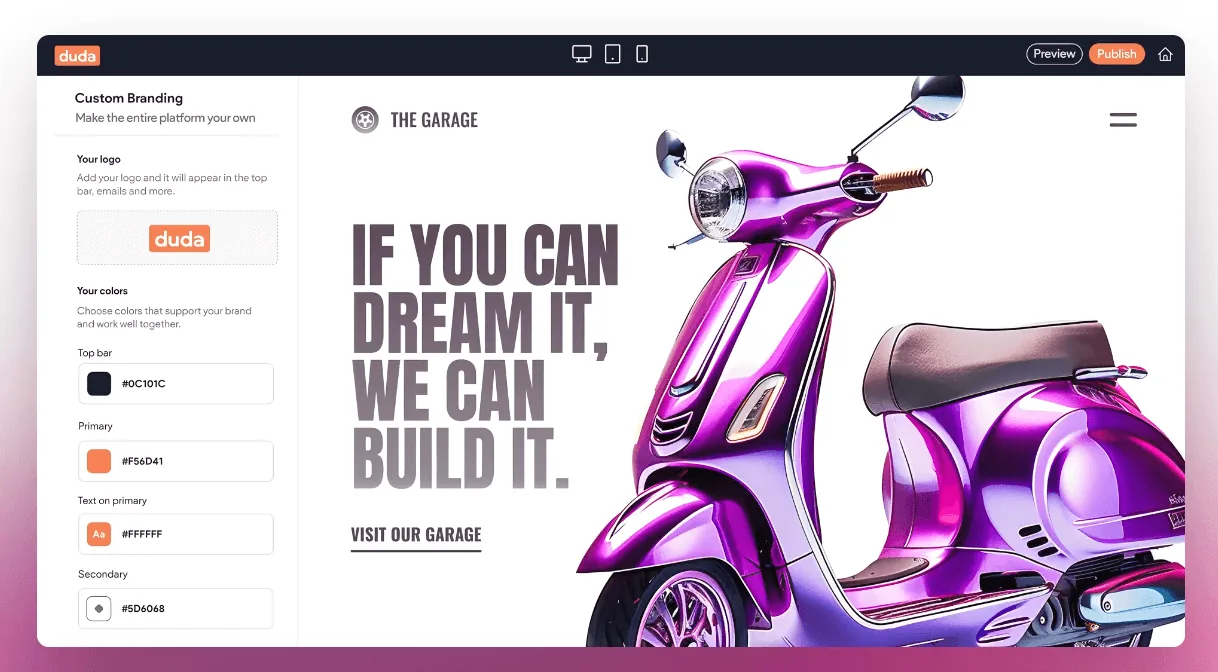
For a simple site, AI-powered web design uses assisted production with a designer guiding and reviewing the work. Choose the $199 Starter AI build or the FREE build or refresh included with Local Essentials. For platform context, the Duda guide explains what an editing platform changes and what it leaves to the project brief.
Calculate the first-year cost
Use this formula: agreed build fee + 12 monthly payments + separately quoted extras. Check whether a quote includes GST and any annual fees before treating its total as final.
With the listed once-off fees and twelve monthly payments, the first-year total is $667 for Starter AI ($199 + 12 × $39), $1,257 for Core ($549 + 12 × $59), or $2,988 for Local Essentials ($0 + 12 × $249), before separately quoted extras. Confirm GST treatment and any third-party charges in your quote. Local Essentials includes ongoing local SEO, so it is not a like-for-like hosting comparison.
Bookings, online stores, extra content work and particular integrations can change the quote. Our website integrations guide shows how to describe those requirements. Do not count an integration as included just because another website has a similar button.
Include your own time as well. Collecting photos, approving copy and learning an editor are real tasks. The DIY website comparison helps weigh that time against paying for a build. The hidden-cost worksheet covers ongoing effort without pretending every website problem has a measurable dollar value.
Compare quotes by scope, not page count alone
Two ten-page quotes can include very different work. One may provide finished copy, device checks and migration planning. Another may expect you to load all the content and arrange redirects yourself.
Ask each designer to confirm:
- The pages, forms and features included in the build.
- Who writes and uploads the content.
- How many review rounds are included.
- What you can edit after launch.
- Which monthly services and third-party fees apply.
- What happens to the domain, files and content if you leave.
The questions to ask a website designer turn these points into a practical call agenda. If personal contact and local context matter to you, the local designer selection guide explains how to assess those things beyond a Melbourne address.
Plan for the months after launch
A published website still needs accurate services, working enquiries and current business details. Hosting arrangements and content support are separate questions. The maintenance guide provides a simple way to assign both.
Decide how you will judge the investment before launch. Enquiries alone are not sales, and revenue is not profit. The website ROI worksheet shows an illustrative calculation and the records needed to make it useful. Use the launch checklist to check the practical setup before you start measuring results.
Get a price for a clear brief
You do not need a large website brief to start. Send your current URL, main services, essential features and preferred editing arrangement. That gives us enough to discuss the scope and identify missing information.
If you want a quote, tell Robert about your project. We can work through the build fee, monthly plan and any extra requirements before you commit.
Robert Tickner
Founder and web designer, Web Design Studio Melbourne
Robert works directly with small businesses on website design, content structure and local SEO. His approach starts with the business offer and the customer’s next step.
First published .
Prepared with AI assistance. Examples labelled illustrative are not client results.