DIY or professional web design: which work suits you?
Compare a DIY website with professional and AI-assisted builds through content, editing, features, time and launch responsibilities.
 Robert TicknerWeb designer, Melbourne
On this page
Building your own website can be a sensible choice. You may have a straightforward offer, time to learn the tools and a clear idea of what to publish.
It becomes harder when the project includes missing content, several service pages, integrations or a migration. Decide which work you can manage before comparing the price of a tool with the price of a finished website.
List the work behind the pages
A website needs service information, images, page structure, readable layouts and contact routes. An existing site may also need URL mapping and redirects. A store or booking setup adds another workflow.
The website feature guide helps separate essentials from extras. The website cost guide makes the complete comparison visible, including content work and recurring fees.
List the tasks you can complete yourself and the ones you would need help with. That is more useful than treating “DIY” and “professional” as two fixed packages.
Check whether the content is ready
If you already have accurate service descriptions, approved photos and business details, the build has a better starting point. If those are missing, choosing a builder does not remove the writing and approval work.
Use the website copy worksheet to prepare a first draft. Then read the page as a customer and check what it still fails to explain.
You can also separate writing support from the website build. Ask what is available and what it costs rather than assuming one route includes all the content work.
Choose an editing arrangement you will use
A self-managed builder can give you direct control over supported content changes. A managed website can save you from doing those updates yourself, provided the scope and request process are clear.
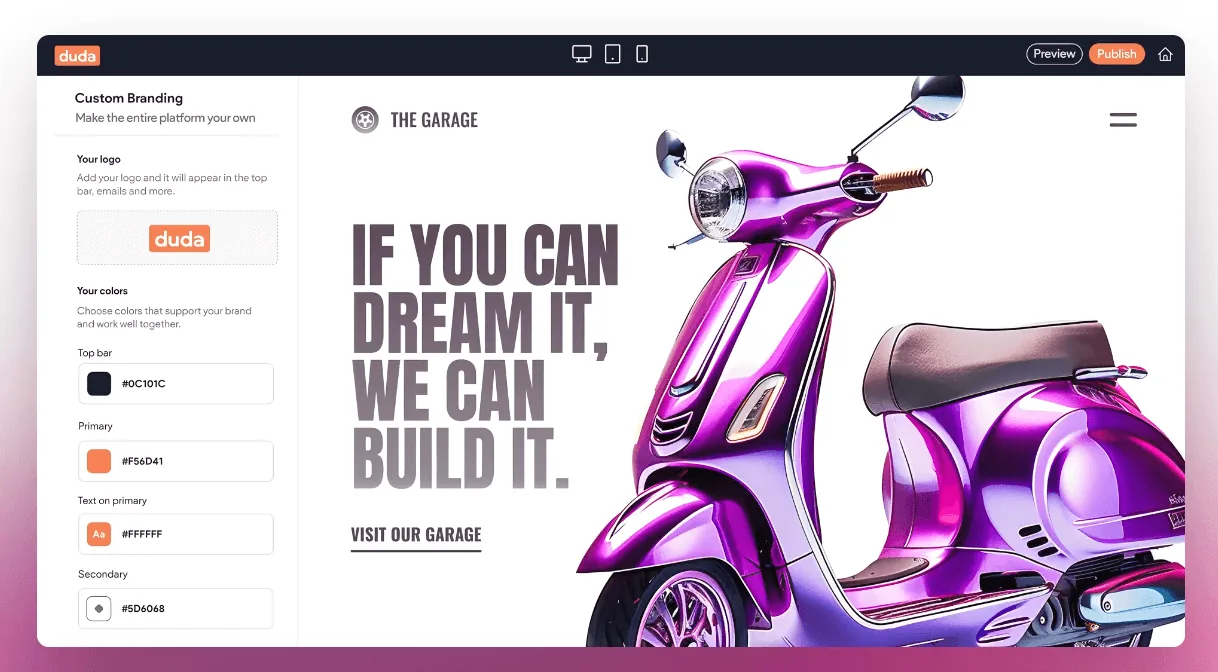
The Duda guide discusses the editing-platform decision. The maintenance guide explains the ongoing responsibilities that remain after a site is published.
If you enjoy learning the editor and make frequent changes, that control may be valuable. If updates are rare and your time is better used elsewhere, a managed arrangement may fit the working week better.
Compare three practical routes
On a small screen, scroll the table to view every column.
| Route | Best starting point | Work to clarify |
|---|---|---|
| DIY build | Clear offer, usable content and time to learn | Design, checks, tools and ongoing edits |
| Professional custom brief | Detailed structure, brand or editing needs | Pages, content, features and handover |
| Managed AI-assisted build | Straightforward business site and a preference for support | Build scope, no-CMS arrangement and update support |
Our AI-powered web design service uses assisted production with a designer guiding and reviewing the site. Starter AI costs $199 once off plus $39/month. Local Essentials includes a FREE website build or refresh for $249/month, with ongoing local SEO. Both AI plans typically take 24–48 hours once your brief and content are ready.
The custom website guide explains when a more detailed brief is useful. Neither approach makes accurate content and working contact routes optional.
Keep launch responsibilities visible
Use the launch checklist whether you build the site or pay someone else to do it. Check links, mobile tasks, search settings and enquiry delivery on the deployed site.
If an old website is being replaced, follow the redesign plan so useful URLs and content are handled deliberately. Do not cancel the previous site before checking the replacement.
Choose support for the gaps you find
You may decide to build a simple first version, pay for a full project or get help with one difficult part. Base that choice on the actual task list and the time available.
Our small business website service can compare the scope options. Bring the draft content, required features and editing preference so the conversation starts with the work you need.
Robert Tickner
Founder and web designer, Web Design Studio Melbourne
Robert works directly with small businesses on website design, content structure and local SEO. His approach starts with the business offer and the customer’s next step.
First published .
Prepared with AI assistance. Examples labelled illustrative are not client results.