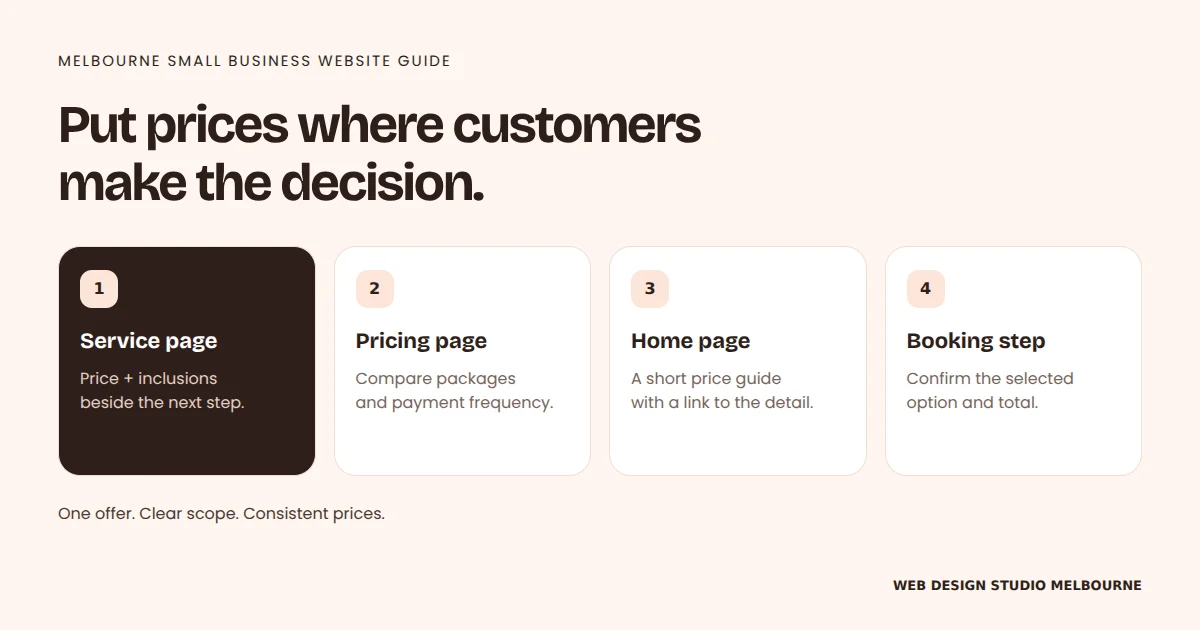
Where should I put prices on my business website?
Where to show prices on a Melbourne business website: service pages, pricing pages, your Home page and bookings, with examples for fixed prices and quotes.
Practical guides for planning a website, improving its pages and helping local customers find your business. Start with the decision you need to make.
RT Written by Robert Tickner, Melbourne web designer
Where to show prices on a Melbourne business website: service pages, pricing pages, your Home page and bookings, with examples for fixed prices and quotes.
Robert TicknerFour main guides connect the detailed articles in each topic.
Where to show prices on a Melbourne business website: service pages, pricing pages, your Home page and bookings, with examples for fixed prices and quotes.

Request genuine Google reviews, reply with useful context and turn recurring feedback into clearer service information without chasing a perfect score.
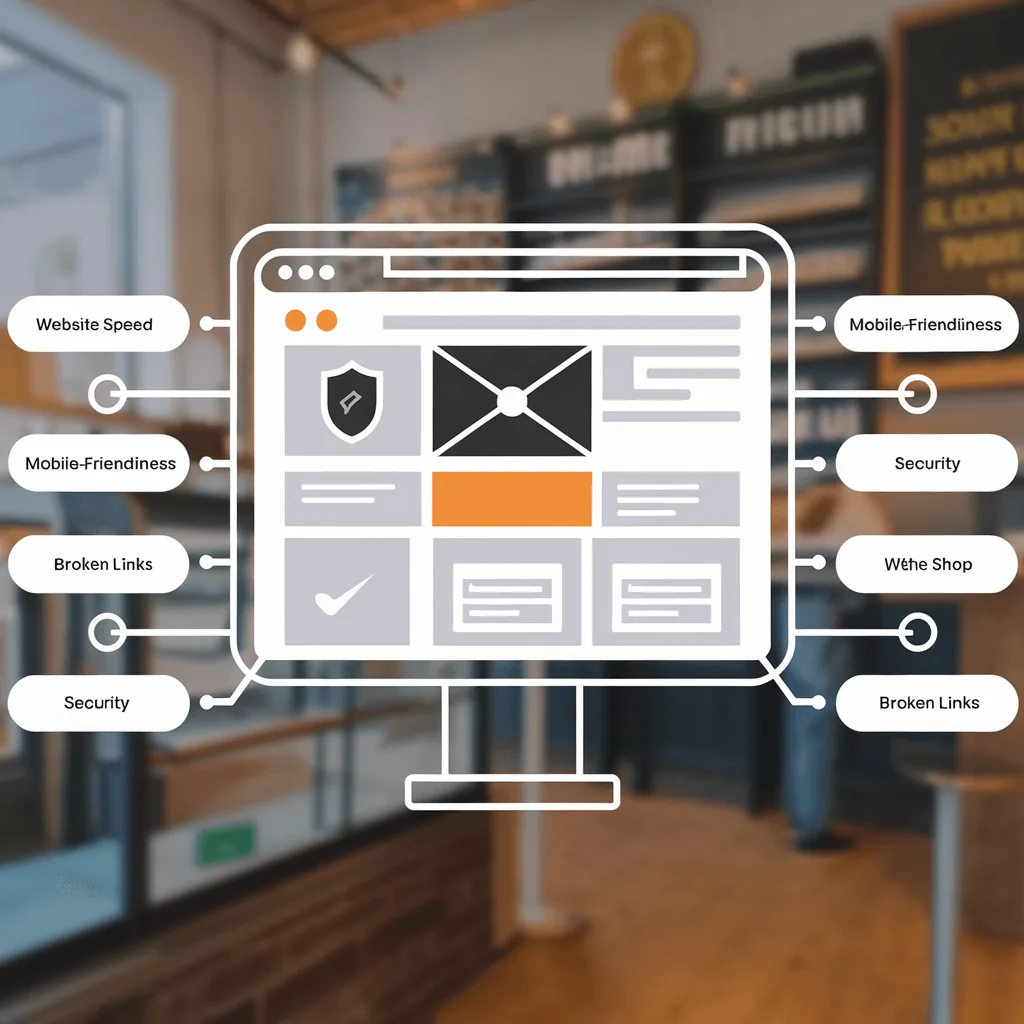
Audit search access, customer tasks, content and mobile performance. Record evidence and priorities instead of collecting scores without a plan.

Use this call agenda to compare web designers by scope, content, editing access, launch checks, ownership and ongoing costs.
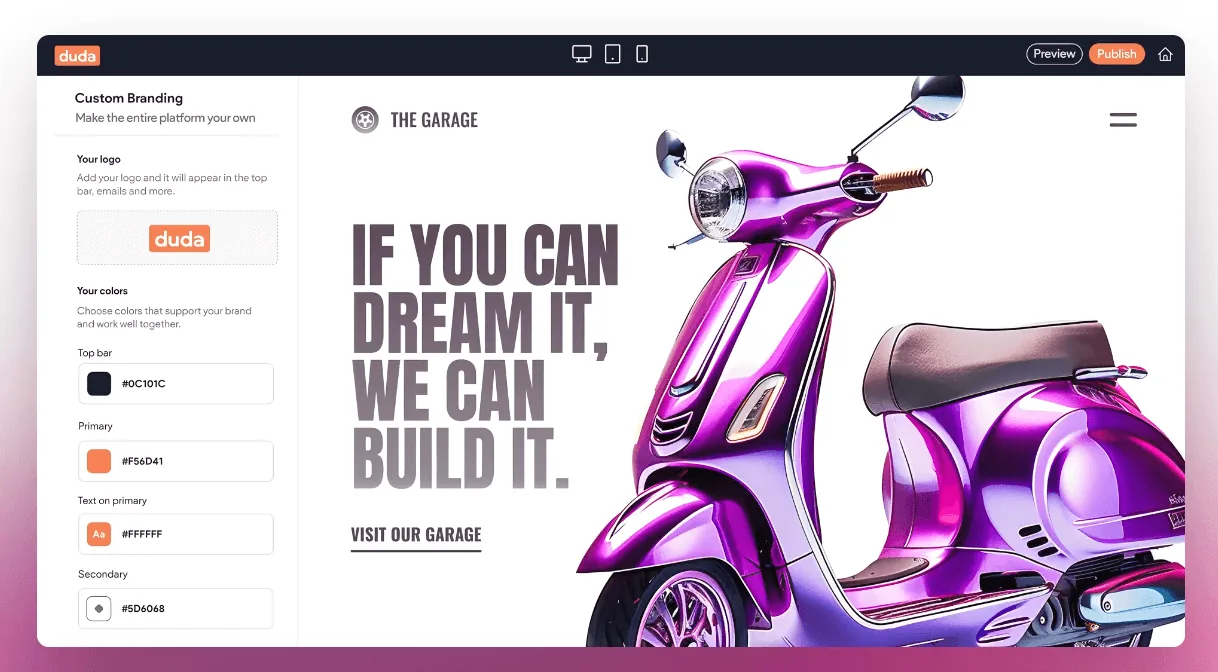
Compare Duda’s editing approach with a managed static website. Check content access, features and migration requirements before choosing a platform.

Check the hidden work behind a website quote: content, updates, tools, enquiry handling and migration. Use a simple responsibility worksheet.

Split website care into hosting, business content, connected tools and enquiry checks. Assign owners and use a manageable review routine.
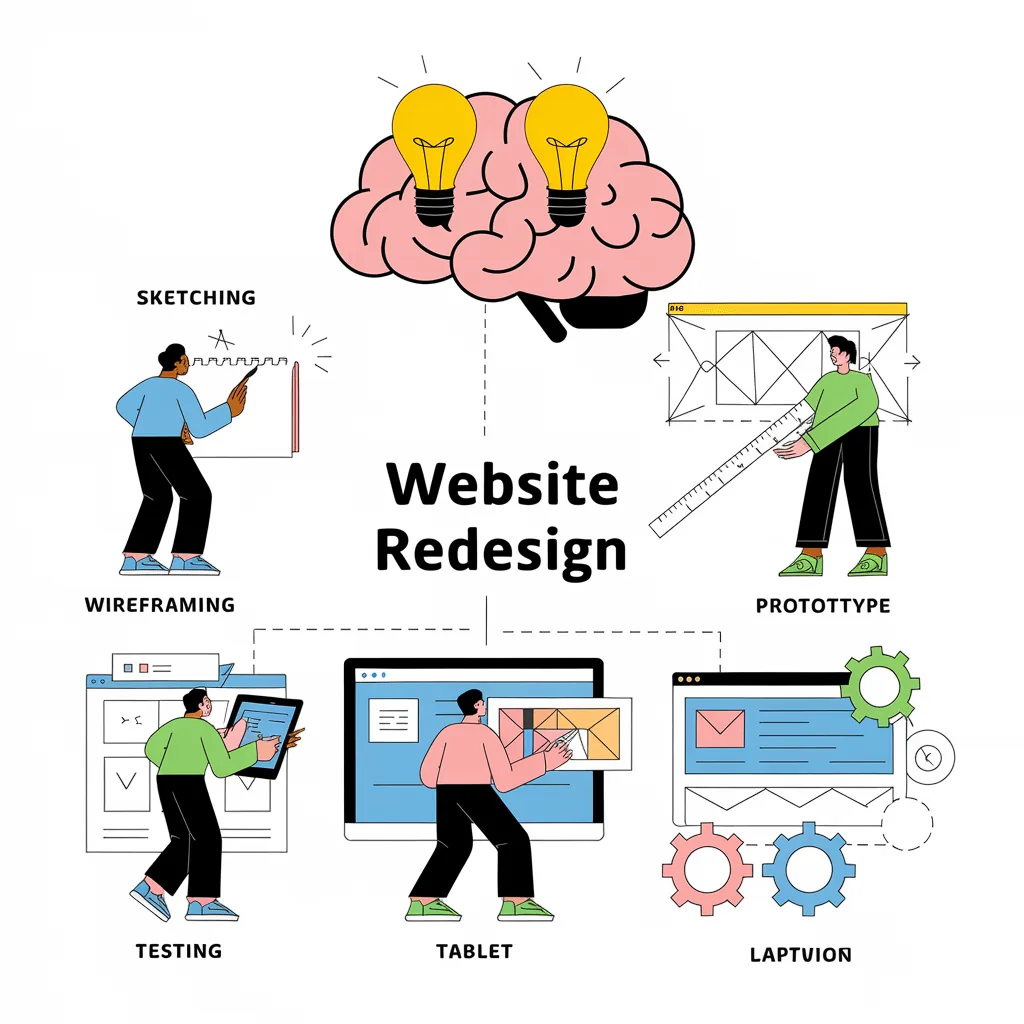
Plan a website redesign from the first audit to launch. Keep useful URLs, improve customer tasks and check the new site before switching over.

Diagnose website enquiry problems through visibility, service clarity, contact delivery and lead quality. Fix the confirmed issue before rebuilding.

Build a useful local search presence with accurate business details, clear service pages, genuine reviews and a practical reporting routine.
Understand website build fees, monthly plans and extra costs. Use a simple first-year budget before comparing Melbourne web design quotes.

Plan a service enquiry page around one offer, relevant proof and a useful form. Includes a page brief and checks for the first customer response.

Turn business notes into clear website copy. Use a service worksheet, specific headings, honest proof and a practical editing pass.

Follow the local customer’s path from search to enquiry. Connect profile details, service pages, proof and contact options around a real service area.

Describe bookings, payments and other website connections through customer steps, account ownership, data needs and test cases before choosing a tool.

Help visitors make a confident decision with clear information, relevant proof, readable choices and an honest explanation of the next step.

Check mobile menus, content, call links, forms and page behaviour through actual customer tasks. A page that fits the screen still needs testing.

Use an illustrative website break-even calculation, then track qualified enquiries, jobs won and contribution. Separate assumptions from actual business results.

Compare a DIY website with professional and AI-assisted builds through content, editing, features, time and launch responsibilities.
Check content, mobile tasks, forms, URLs and search settings before launch. Confirm the deployed site and keep a short post-launch review plan.
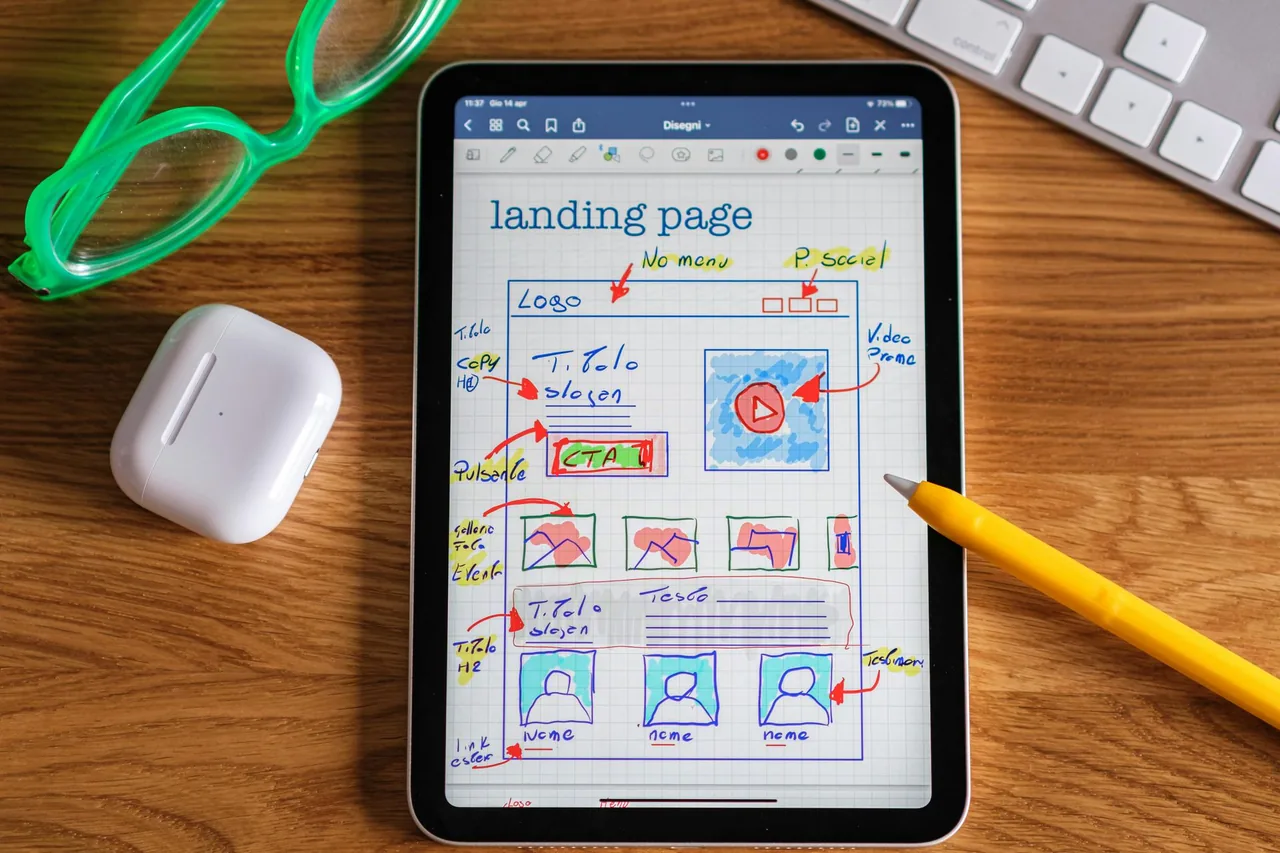
Create a local campaign page with a matching offer, genuine service-area detail and clear enquiry handling. Includes a practical campaign brief.

Plan a clear Home page around the offer, services, genuine proof and next step. Includes a section-order worksheet for a small business website.

Review website examples by customer task, content and mobile layout. Write useful reference notes without copying a brand or inventing performance claims.

Assess a local web designer through communication, scope, evidence and support. A Melbourne address is a starting point, not a complete comparison.

Build a credible web presence with clear business identity, useful service details, genuine proof and working contact routes. Start with the facts.

Check page purpose, titles, headings, links, mobile content and search access. Build useful SEO foundations without treating design as a ranking guarantee.

Give website colours clear roles, check contrast and test real content. Build a practical palette without relying on fixed colour-to-emotion claims.

Plan website fonts, heading levels and paragraph spacing around real content. Check mobile reading, hierarchy and consistency before approving the design.

Check brand consistency across names, service wording, colours, text styles, photos and contact details. Use a practical audit before adding pages.
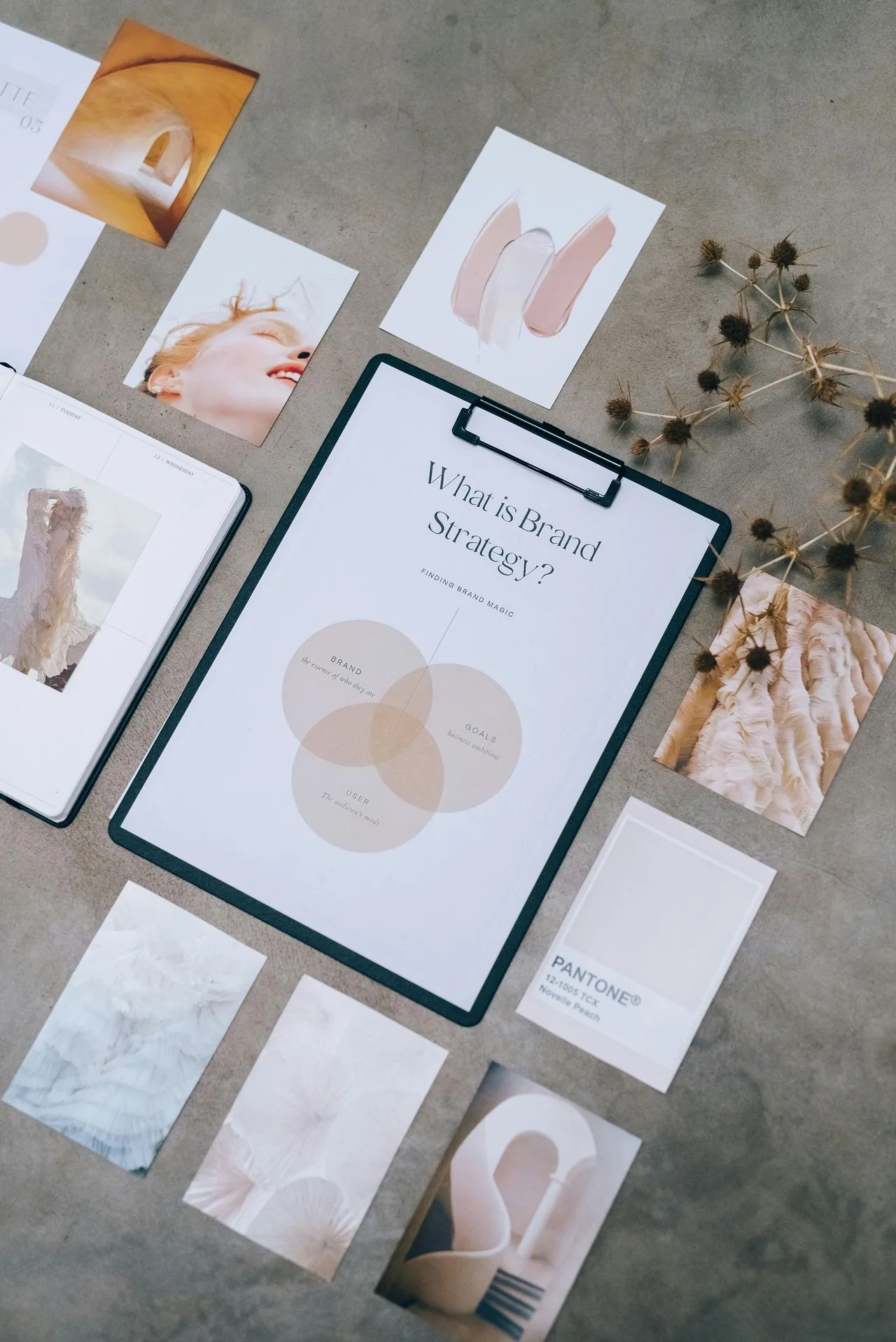
Translate your audience, services, tone, visual assets and proof into a clear website brief. Includes a worksheet and an illustrative example.

Choose a focused website repair, content refresh or wider rebuild by the problem you can demonstrate. Use a practical scope comparison before redesigning.

Choose website features by customer task and business workflow. Separate launch essentials from bookings, payments, logins and later-stage ideas.

Compare a simple website with a custom build through five practical decisions: services, branding, content, features and ongoing editing.
Try a different word, or browse every article.
AI websites typically take 24–48 hours once your content is ready. A custom build takes about a week. Let’s work out which option fits your business.